Introduction
Kabhi notice kiya hai ki phone bina heavy use ke bhi slow ho jata hai ya battery jaldi drain hone lagti hai? Iska ek bada reason hota hai background apps — jo aapke bina jaane silently chalti rehti hain.
Good news ye hai ki kuch simple settings change karke aap background apps band kar sakte hain. Is guide me hum step-by-step tarike, expert tips aur practical solutions share karenge jisse aapka phone fast, smooth aur battery-efficient banega.
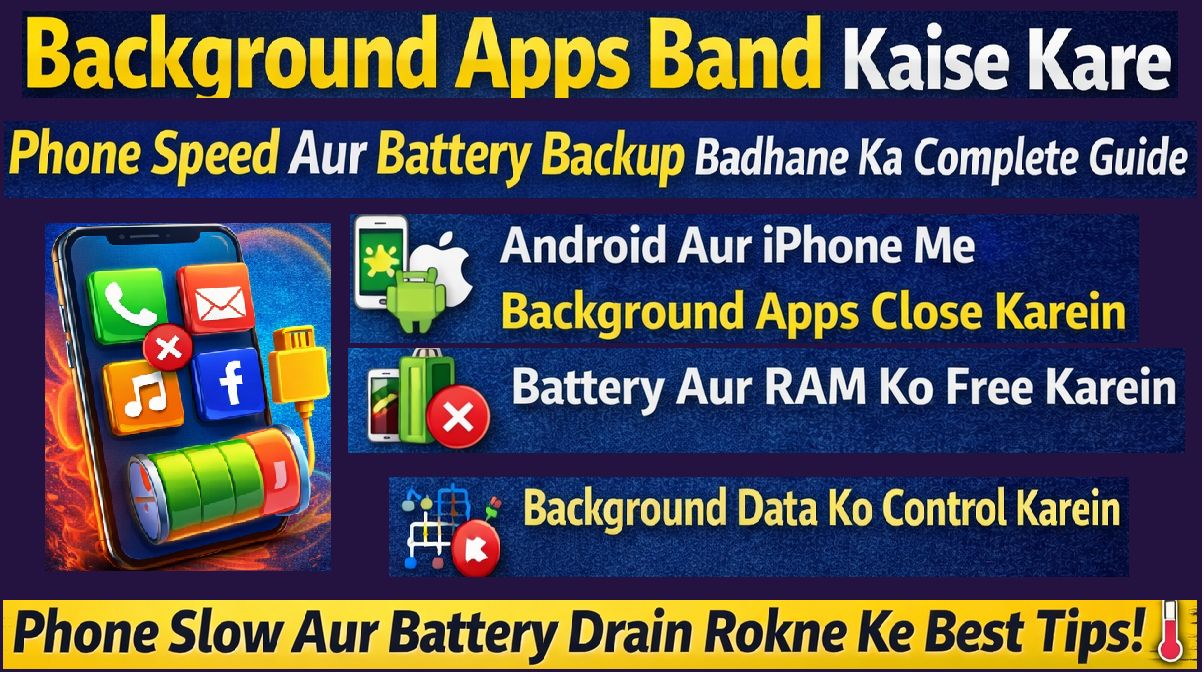
Background apps phone ko slow kar rahe hain? Is guide me jaaniye Android aur iPhone me background apps band karke battery aur performance kaise improve karein.
Background Apps Kya Hoti Hain?
Background apps wo applications hoti hain jo aap actively use nahi kar rahe, phir bhi RAM, processor aur internet use karti rehti hain.
Examples:
- Social media apps
- Email sync services
- Location-based apps
- Music streaming apps
Ye apps notifications aur updates ke liye background me active rehti hain.
Background Apps Band Karna Kyun Zaroori Hai?
Agar background apps zyada chalti rahen to:
- Phone slow ho jata hai
- Battery fast drain hoti hai
- Data usage badh jata hai
- Phone heating bhi ho sakti hai
Regular cleaning se device performance noticeably improve hoti hai.
Android Me Background Apps Band Kaise Kare
Method 1: Recent Apps Clear Karein
- Recent Apps button par tap karein
- “Clear All” option select karein
Ye sabse fast aur easy tarika hai.
Method 2: App Settings Se Force Stop
- Settings → Apps
- Kisi bhi app ko select karein
- “Force Stop” par tap karein
Note: Important apps (WhatsApp, Phone) ko force stop na karein.
Method 3: Battery Optimization Use Karein
- Settings → Battery
- Background usage limit enable karein
- Sleeping apps list me unnecessary apps add karein
Isse future me apps automatically control ho jati hain.
iPhone Me Background Apps Band Kaise Kare
Background App Refresh Off Karein
- Settings → General
- Background App Refresh
- Off ya selected apps disable karein
Isse battery saving me noticeable improvement hota hai.
Recent Apps Close Karna
- Home indicator swipe up karein
- Apps ko swipe karke band karein
Ye RAM usage reduce karta hai.
Kaun Si Apps Background Me Band Karni Chahiye?
Safe to Disable:
- Shopping apps
- News apps
- Games
- Travel apps
Always Active Rakhein:
- Calling apps
- Messaging apps
- Security apps
Balance banana zaroori hai taaki notifications miss na ho.
Background Apps Band Karne Ke Pros & Cons
Pros
- Phone speed fast hoti hai
- Battery backup improve hota hai
- Heating kam hoti hai
Cons
- Notifications delay ho sakte hain
- Kuch apps dobara open hone me time le sakti hain
Manual Close vs Battery Optimization – Comparison Table
| Feature | Manual Close | Battery Optimization |
|---|---|---|
| Control | Immediate | Automatic |
| Effort | Zyada | Kam |
| Battery Saving | Temporary | Long-term |
| Notifications | Delay possible | Balanced |
Latest Trends & Data (2026)
- Average smartphone user ke phone me 60–90 apps installed hote hain
- Inme se 30% apps background me active rehte hain
- Background activity battery consumption ka 15–25% tak contribute kar sakti hai
Isliye background management ab essential maintenance step ban chuka hai.
Advanced Tips: Phone Ko Aur Fast Kaise Banaye
Auto-Start Apps Disable Karein
- Startup apps ko limit karein
- Sirf important apps ko permission dein
Lite Version Apps Use Karein
- Facebook Lite
- YouTube Lite
Ye RAM aur battery dono bachate hain.
User Experience Tips (Daily Habits)
- Week me ek baar app usage check karein
- Unused apps uninstall karein
- Storage free rakhein
- Software update install karein
Small habits long-term performance ko improve karti hain.
Kya Background Cleaner Apps Install Karna Sahi Hai?
Buying/Selection Guide:
- Trusted developer ka app hi install karein
- Excess permissions se bachein
- Built-in system tools prefer karein
Har cleaner app useful nahi hota — kuch unnecessary ads aur battery drain bhi karte hain.
FAQs – Background Apps Band Karne Se Jude Sawal
Background apps band karne se battery bachegi?
Haan, especially data-heavy apps band karne se noticeable battery saving hoti hai.
Kya har app ko force stop karna safe hai?
Nahi, system aur essential apps ko force stop karna avoid karein.
Background App Refresh off karne se kya effect hoga?
Apps automatically update nahi hongi, lekin manual open karne par kaam karengi.
Phone slow hone ka main reason background apps hain?
Kai cases me haan, par storage full ya outdated software bhi reason ho sakta hai.
Kitni baar background apps clear karni chahiye?
Daily ya jab phone slow lage tab clear karna sufficient hai.
Conclusion
Background apps band karna ek simple habit hai jo aapke phone ki speed, battery life aur overall performance ko significantly improve kar sakta hai. Android ho ya iPhone, sahi settings aur smart management se aap unnecessary workload kam kar sakte hain.
Regular maintenance se phone smooth, responsive aur long-lasting bana rehta hai.